Creating Cinemagraph with Moving Clouds in Photoshop Tutorial
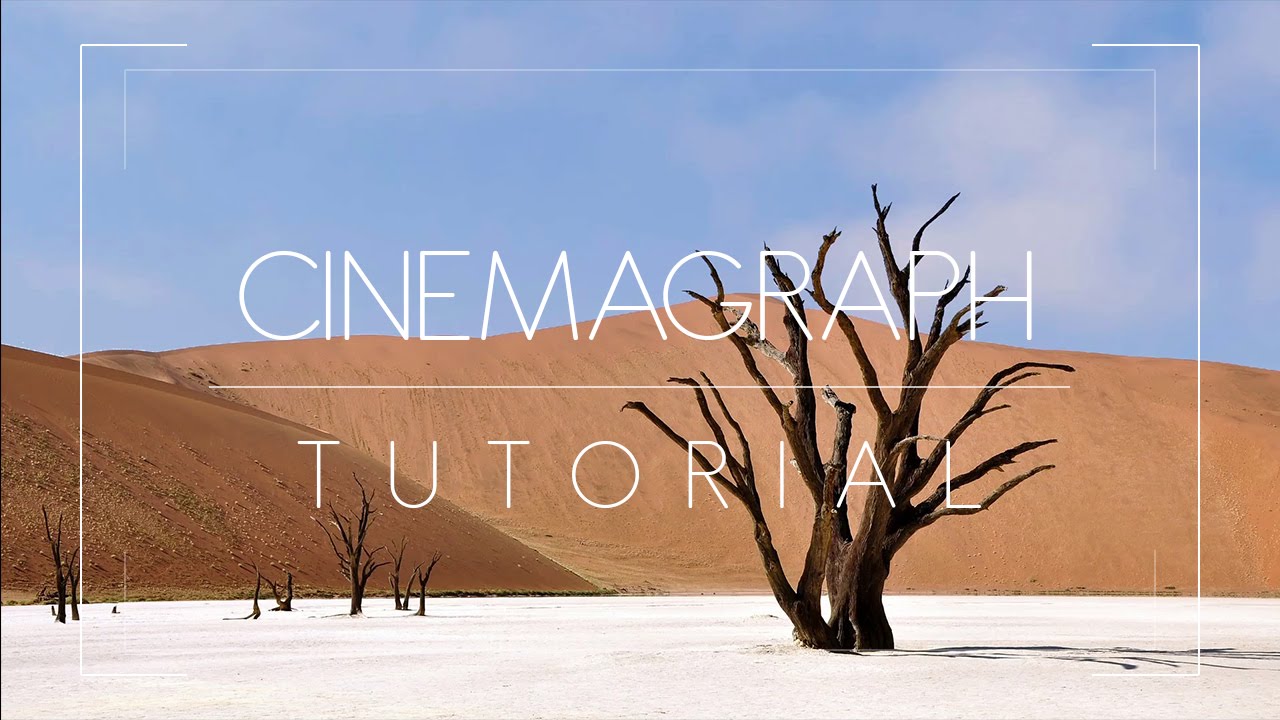
In this episode we go through the process of creating cinemagraph timelapse photography with clouds moving fast in Super easy and quick way.

Photoshop & Photography Tutorials for Beginners to Advanced
Editing / Manipulation / Photoshop
by PSDESIRE ADMIN · Published February 21, 2016 · Last modified March 2, 2023
In this episode we go through the process of creating cinemagraph timelapse photography with clouds moving fast in Super easy and quick way.
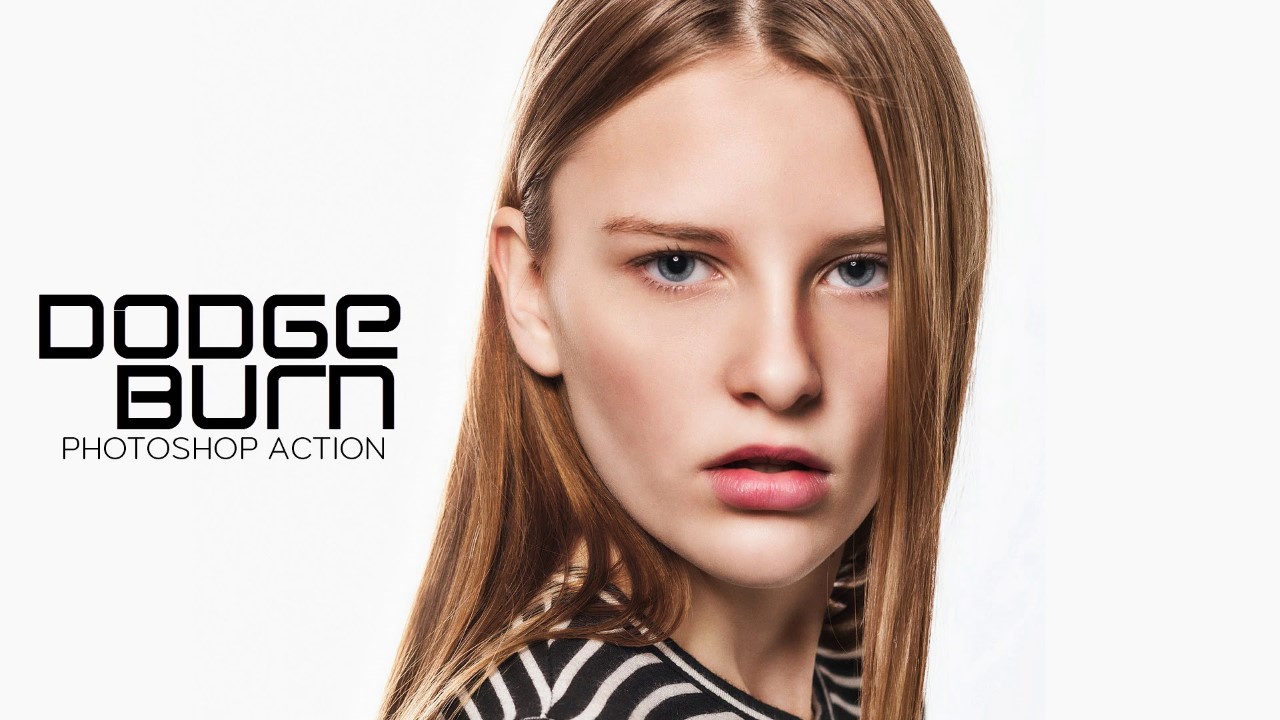
Dodge and burn will take so much time to do. Just download the action and play to get super fast beautiful effect. Check samples below you may adjust the effect in layers.
Editing / Photoshop / Retouching
by PSDESIRE ADMIN · Published February 10, 2016 · Last modified March 2, 2023
Dodge and burn will take so much time to do. Just follow this made easy technique tutorial to achieve effect with in 5 minutes easily.
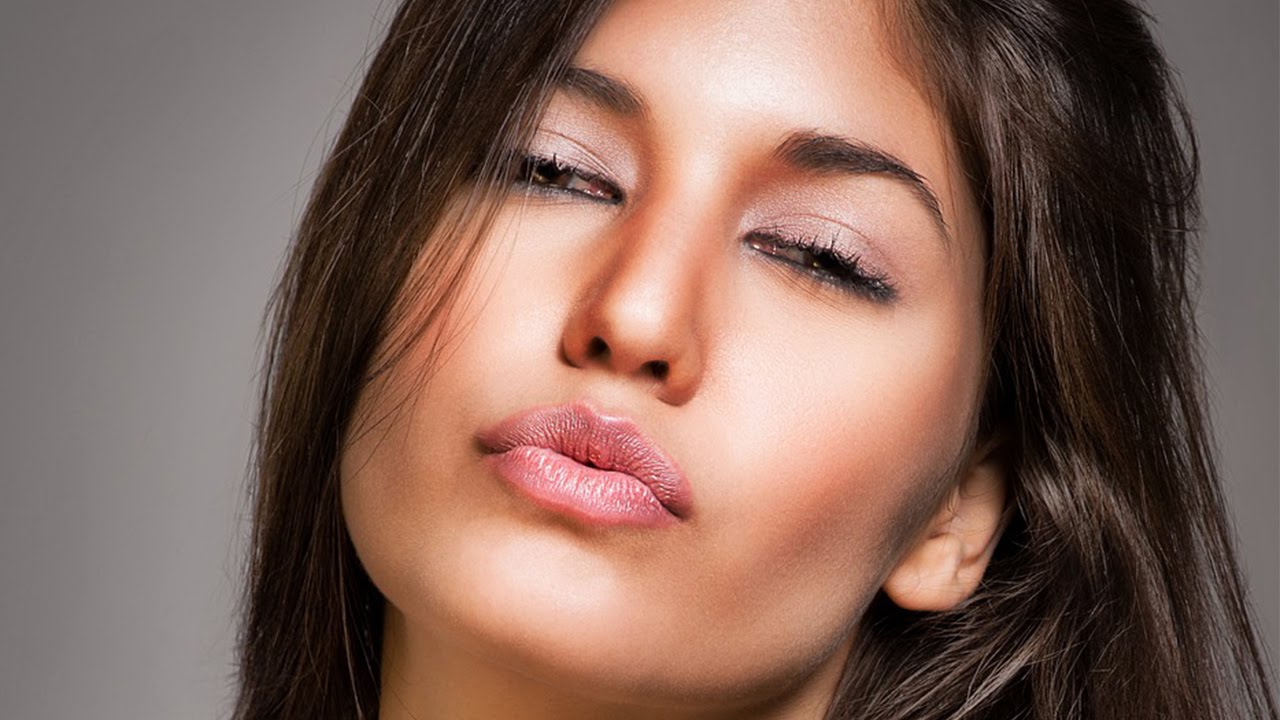
Color Correction: With this action anybody can fix any photograph colors with a click. we can use this action to know whether it is processed image or not also. [Straight Out Of Camera or not]
how to Get back original colors of the photograph with HOLD ALT
Editing / Photo Effects / Photoshop
by PSDESIRE ADMIN · Published February 9, 2016 · Last modified March 2, 2023
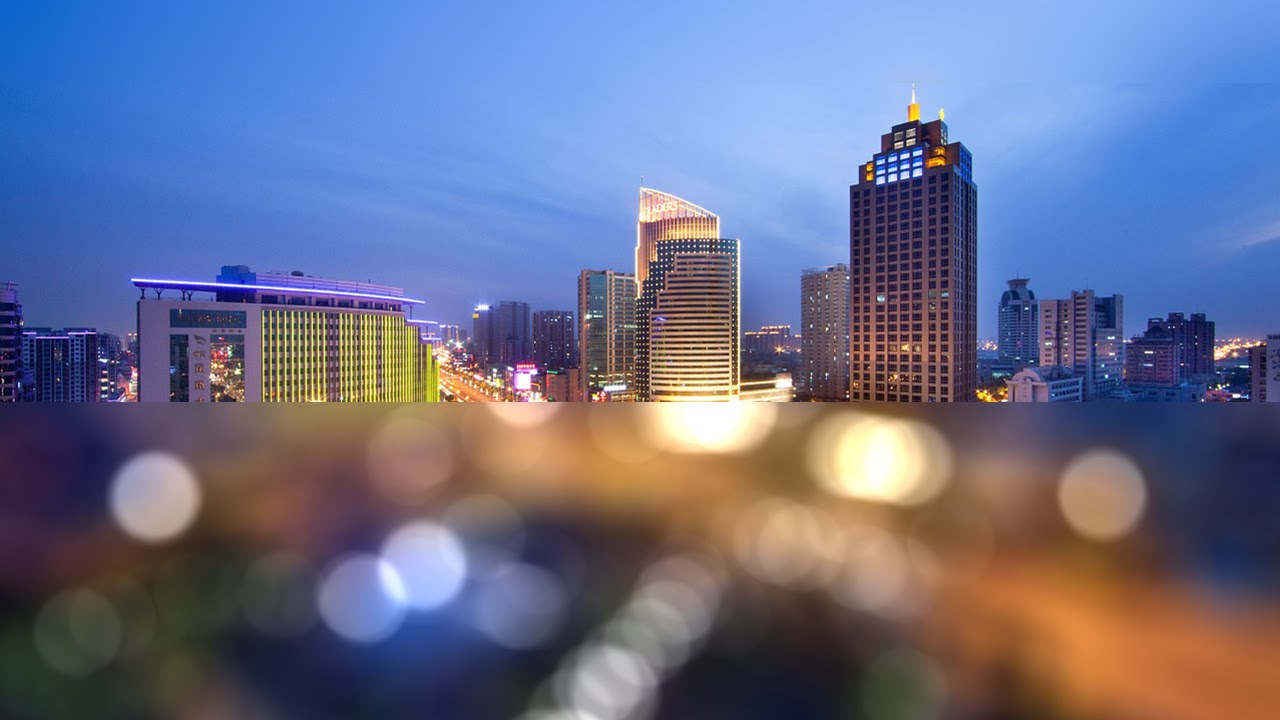
in this tutorial i will show you how to create a bokeh background like very expensive camera lens.
You can place this blur backgrounds behind any of the cutout portraits or stock photography.
Editing / Manipulation / Photoshop
by PSDESIRE ADMIN · Published February 9, 2016 · Last modified March 2, 2023
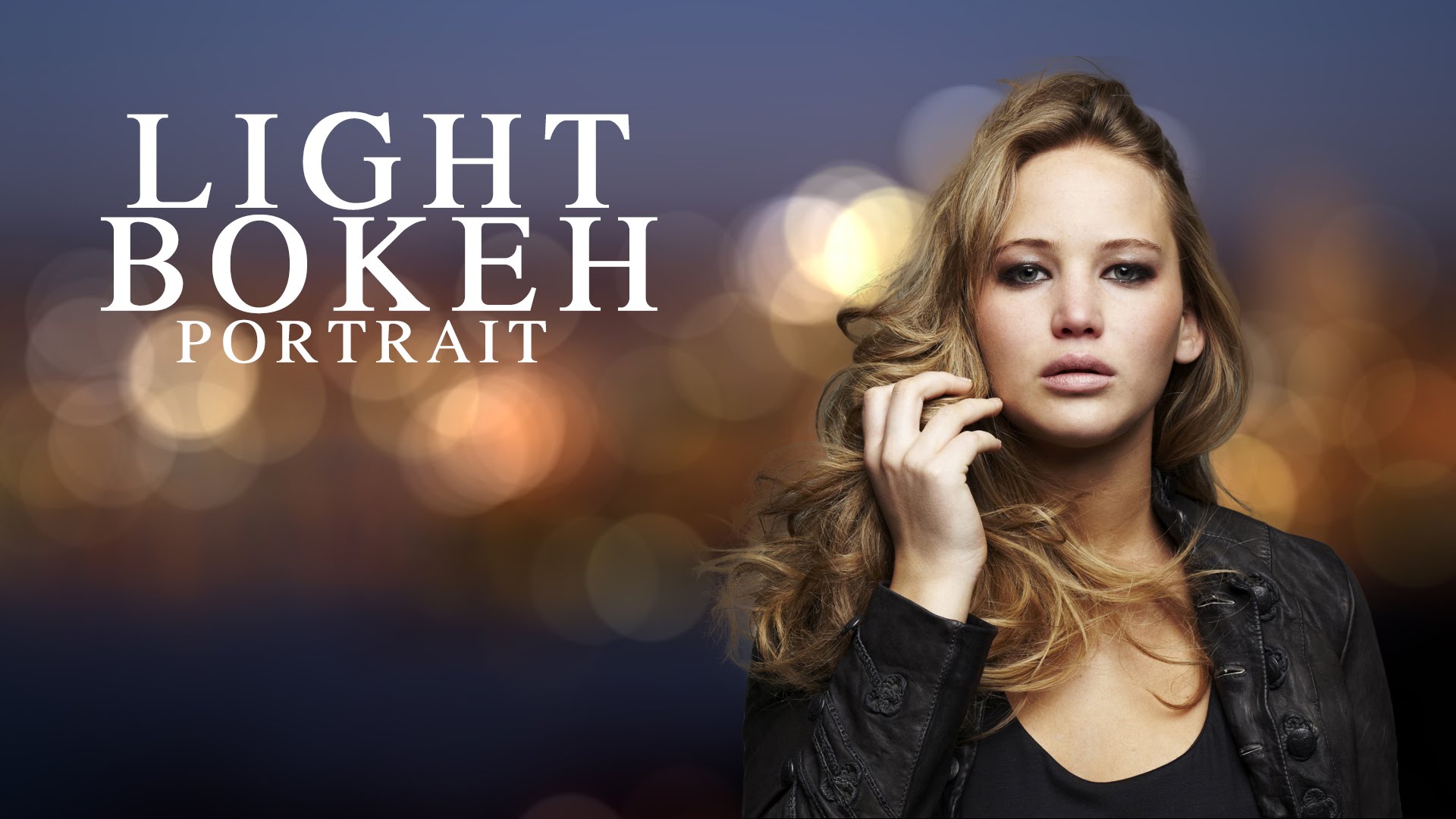
Light Bokeh Portrait : Choose background which contains lights or select night lights. goto filter and select tilt -shift from blur gallery.
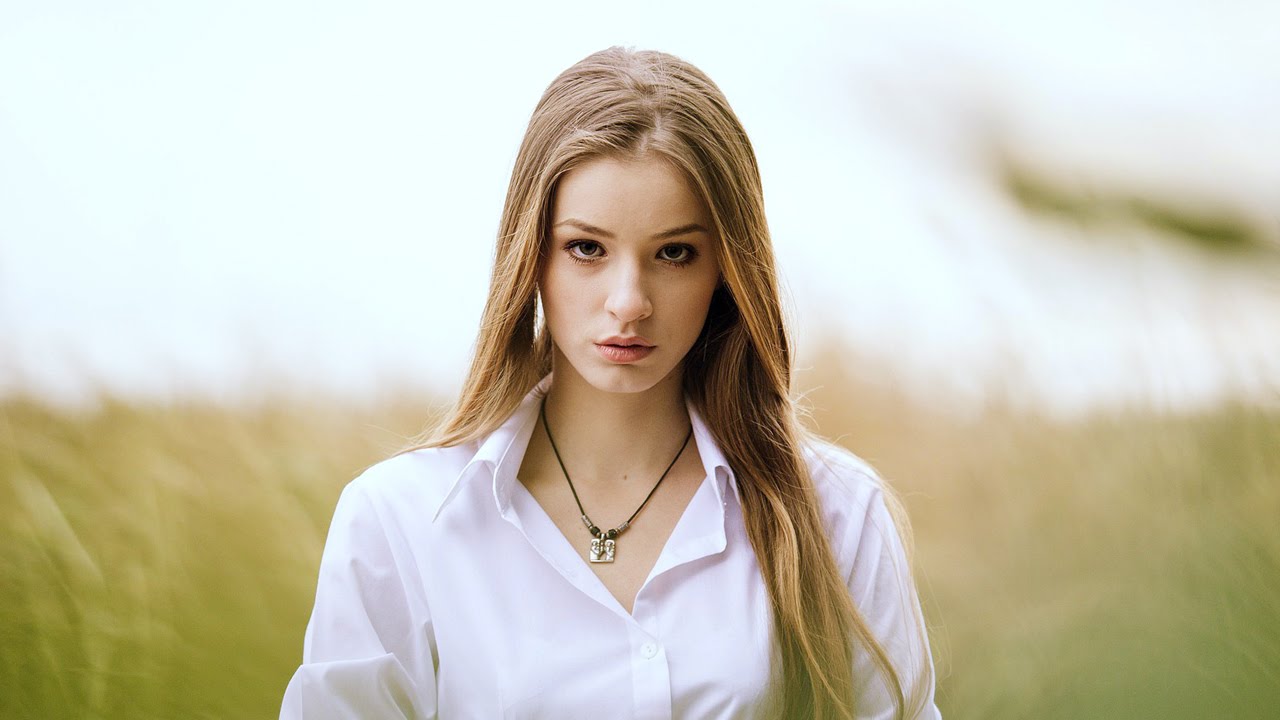
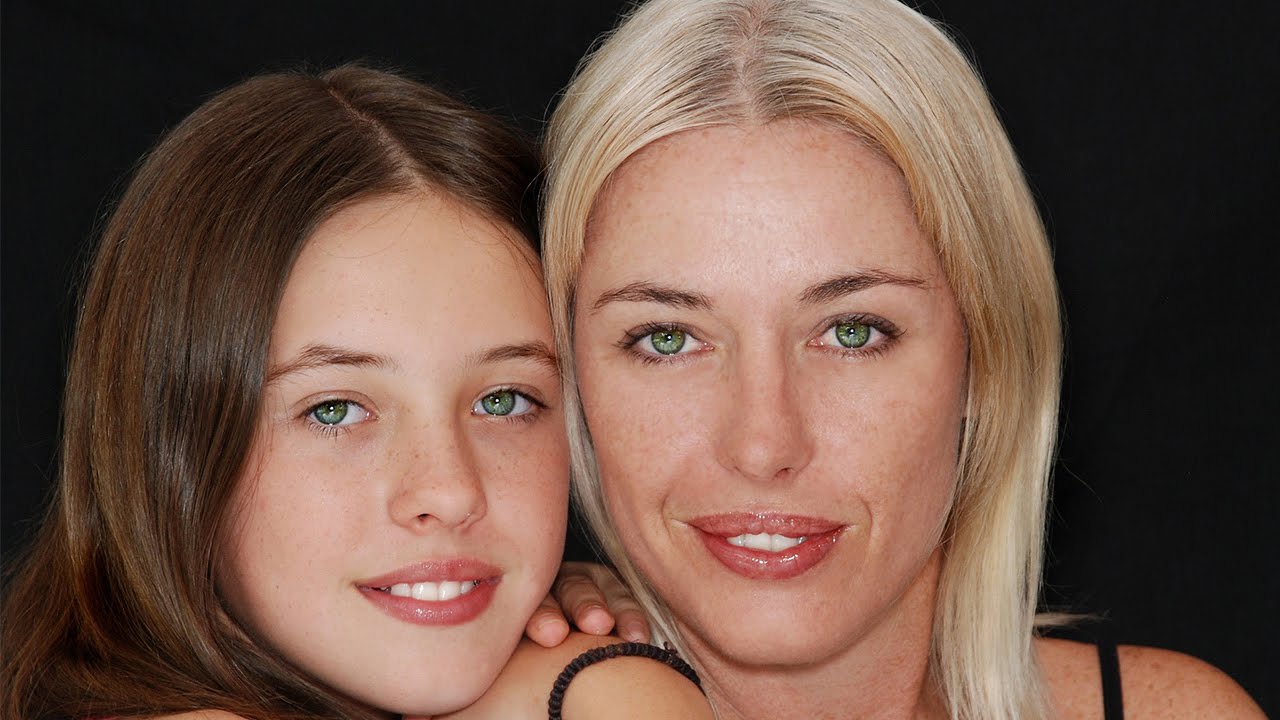
Make eyes more bright and sparkle with this one click photoshop action. You can also color eyes in photos with this action. Check below after and below photographs.