Miniature Faking or Tilt Shift Lens Effect Tutorial in Photoshop
Step by step post processing manipulation technique for Miniature Faking or Toy Model Effect in Photoshop.

Photoshop & Photography Tutorials for Beginners to Advanced
by PSDESIRE ADMIN · Published January 12, 2016 · Last modified March 2, 2023
Step by step post processing manipulation technique for Miniature Faking or Toy Model Effect in Photoshop.
Share on Tumblr Step by step post processing Delete or remove unwanted areas or subject selection or selected objects from photos with content-aware tool. Remove Unwanted Areas from your Photos Naturally. open image in...
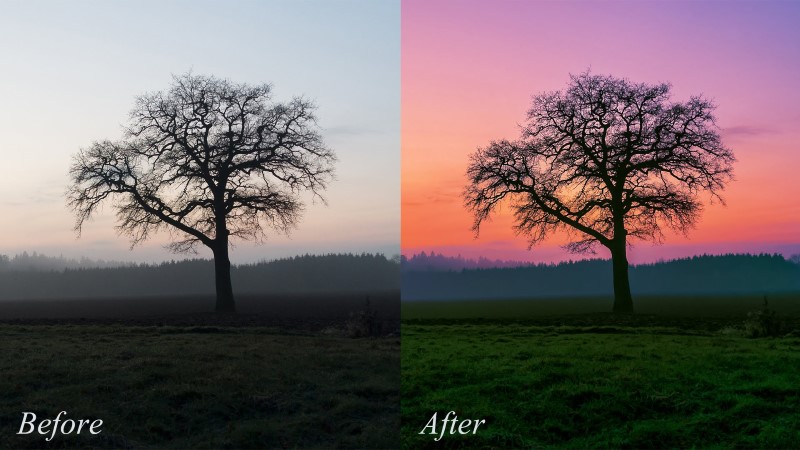
Straight out of camera sometimes looks dull and flat. Use this technique to make your images awesome.
Editing / Manipulation / Photoshop
by PSDESIRE ADMIN · Published January 12, 2016 · Last modified March 2, 2023
post processing technique you can remove any unnecessary things or objects and also humans
Editing / Photo Effects / Photoshop
by PSDESIRE ADMIN · Published January 12, 2016 · Last modified March 2, 2023
Step by step post processing manipulation technique for shallow Depth of field.
Manipulation / Photoshop / Retouching
by PSDESIRE ADMIN · Published January 12, 2016 · Last modified March 2, 2023
post processing manipulation technique for beautiful Colorful Sunset evening landscape in
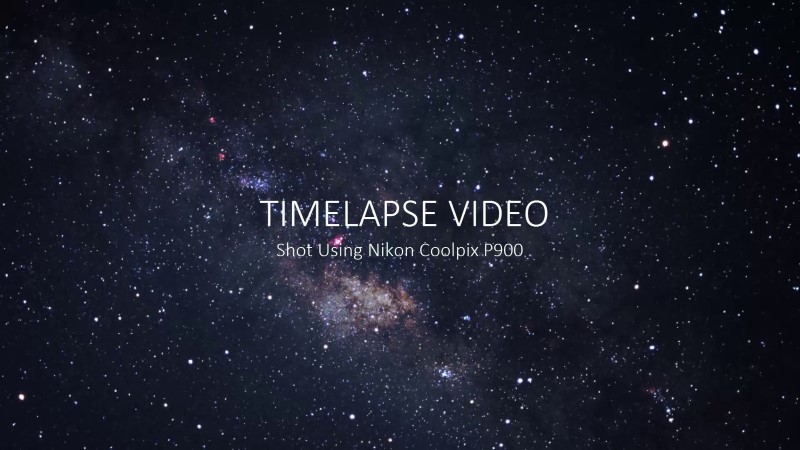
Sample test Full HD video captured using nikon coolpix p900
Editing / Photoshop / Retouching
by PSDESIRE ADMIN · Published January 12, 2016 · Last modified March 2, 2023
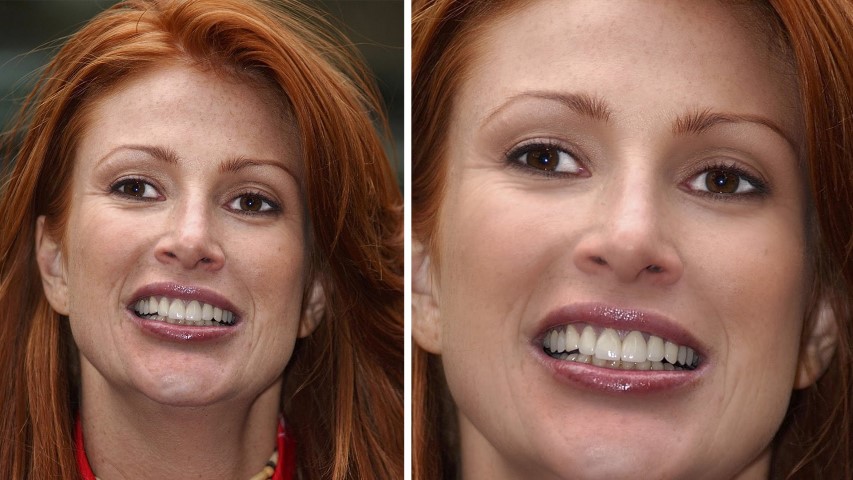
Retouching wrinkles BB cream effect Tutorial in Photoshop